
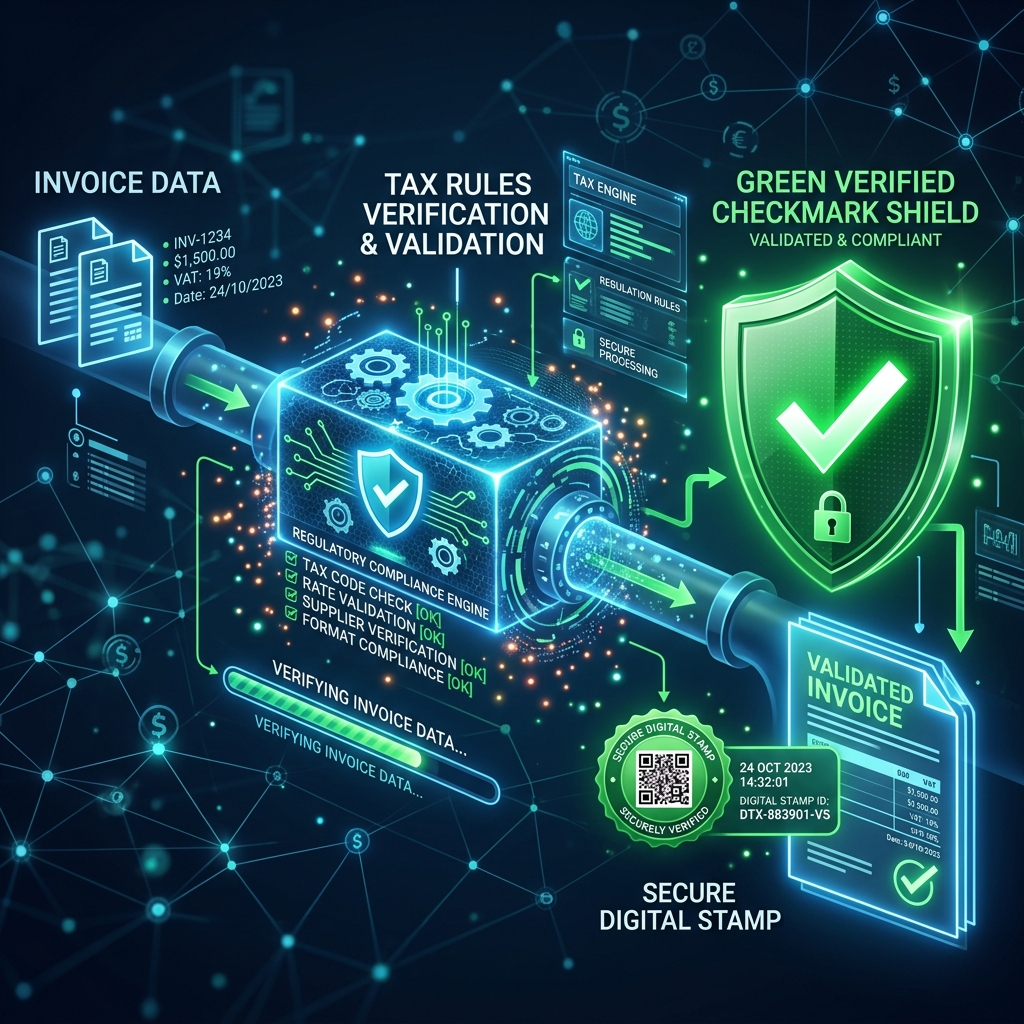
FBR Digital Invoicing Guide 2026: Rules, Verification, and Simple Solutions
A simple 2026 guide for Pakistani businesses on FBR digital invoicing rules (in force since 1 April 2025), the difference between e-invoices…
An FBR digital invoice is verified by scanning the QR code printed on the invoice or by entering the FBR Invoice Number (IRN) that FBR returns when the invoice is successfully submitted through the Digital Invoicing API. A valid invoice shows the seller NTN, buyer details, invoice date, amounts, and sales tax that match the FBR record.
When a sales tax invoice is submitted to the FBR Digital Invoicing system, FBR validates it and returns a unique Invoice Number, often called the IRN or FBR invoice reference. This number proves the invoice was accepted by FBR and must be printed on the invoice together with the FBR QR code.
Scan the QR code on the printed or PDF invoice with any phone camera. The code encodes the FBR invoice reference. Compare the seller NTN, invoice date, total amount, and sales tax shown in the FBR record with the paper invoice. If the scan fails or the details differ, the invoice has not been accepted by FBR.
Enter the FBR invoice number in the FBR invoice verification facility, or in the Tax Asaan mobile app, to confirm that the invoice exists in the FBR system. Verification shows the registered seller, invoice date, and amounts recorded by FBR.
A compliant digital invoice carries the FBR Digital Invoicing logo, the FBR invoice number, a QR code, seller name and NTN, buyer name and NTN or CNIC, invoice date, HS codes, quantities, unit prices, sales tax rate and amount, and the total. Missing any of these usually means the invoice was issued outside the FBR system.
Typical reasons an invoice does not verify: it was created in the FBR sandbox rather than production, the submission returned a validation error that was ignored, the printed QR code was generated before FBR accepted the invoice, or the invoice was edited after submission. Only invoices that returned a success response from the FBR production API are verifiable.
FBRSTAPP submits each invoice to the FBR Digital Invoicing API, stores the returned FBR invoice number, prints the FBR QR code and logo on the invoice, and keeps the submission response in the invoice history so businesses and auditors can trace every record. New accounts start with 20 free FBR digital invoices.
Scan the QR code or look up the FBR invoice number in the FBR verification facility or Tax Asaan app and compare the seller NTN, date, and amounts with the invoice.
POS invoices come from FBR-integrated retail point-of-sale systems and are verified through the FBR POS prize scheme app. Digital invoices are submitted through the FBR Digital Invoicing API and carry an FBR invoice number and QR code issued at submission time.
No. Sandbox invoices are for testing scenarios only. Only invoices submitted with production credentials appear in the FBR verification system.
Yes. After FBR accepts an invoice, FBRSTAPP adds the FBR invoice number and QR code to the invoice PDF automatically.
A simple 2026 guide for Pakistani businesses on FBR digital invoicing rules (in force since 1 April 2025), the difference between e-invoices…
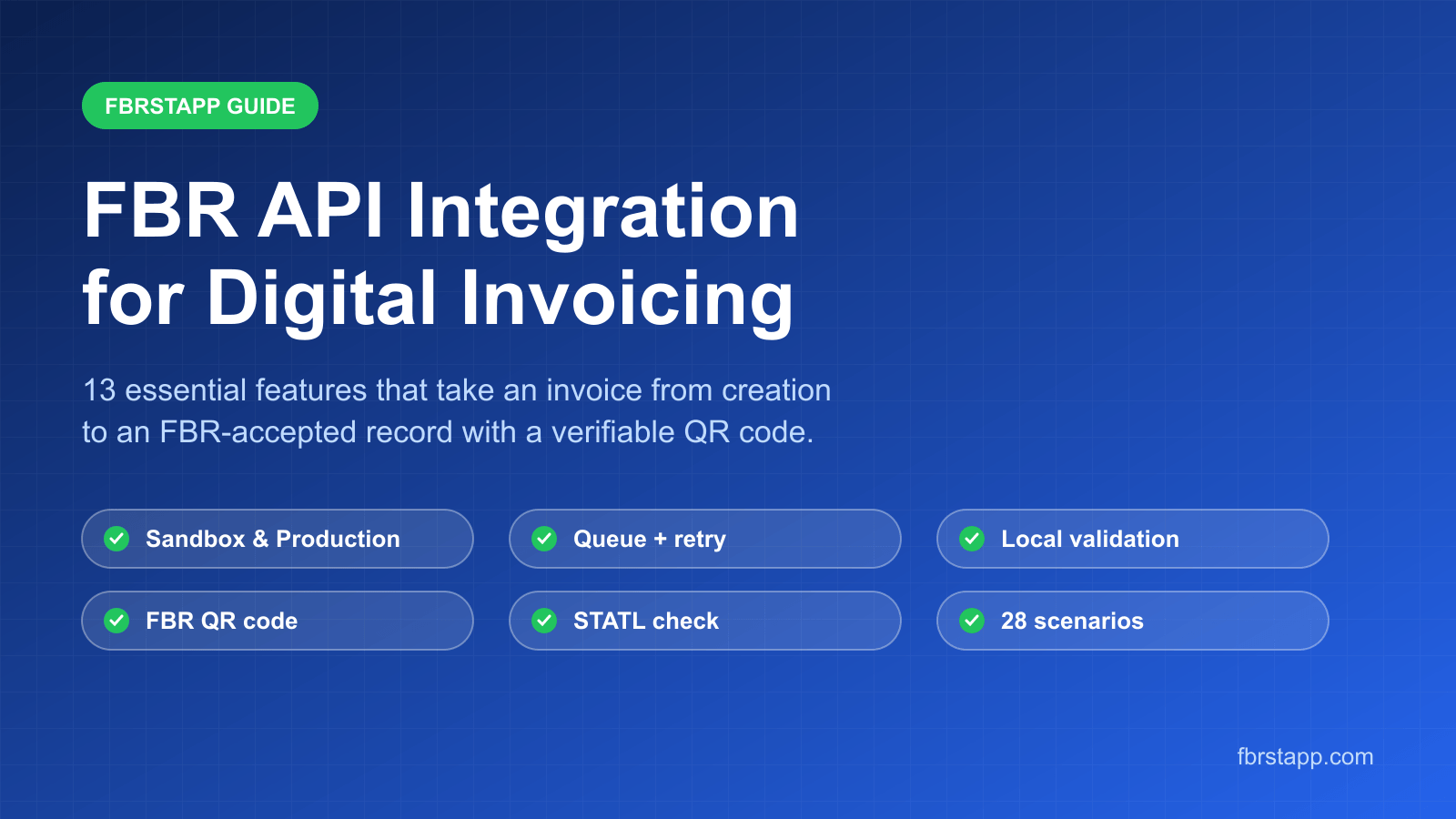
How FBRSTAPP integrates with the FBR Digital Invoicing API: 13 features including sandbox and production environments, local validation, que…
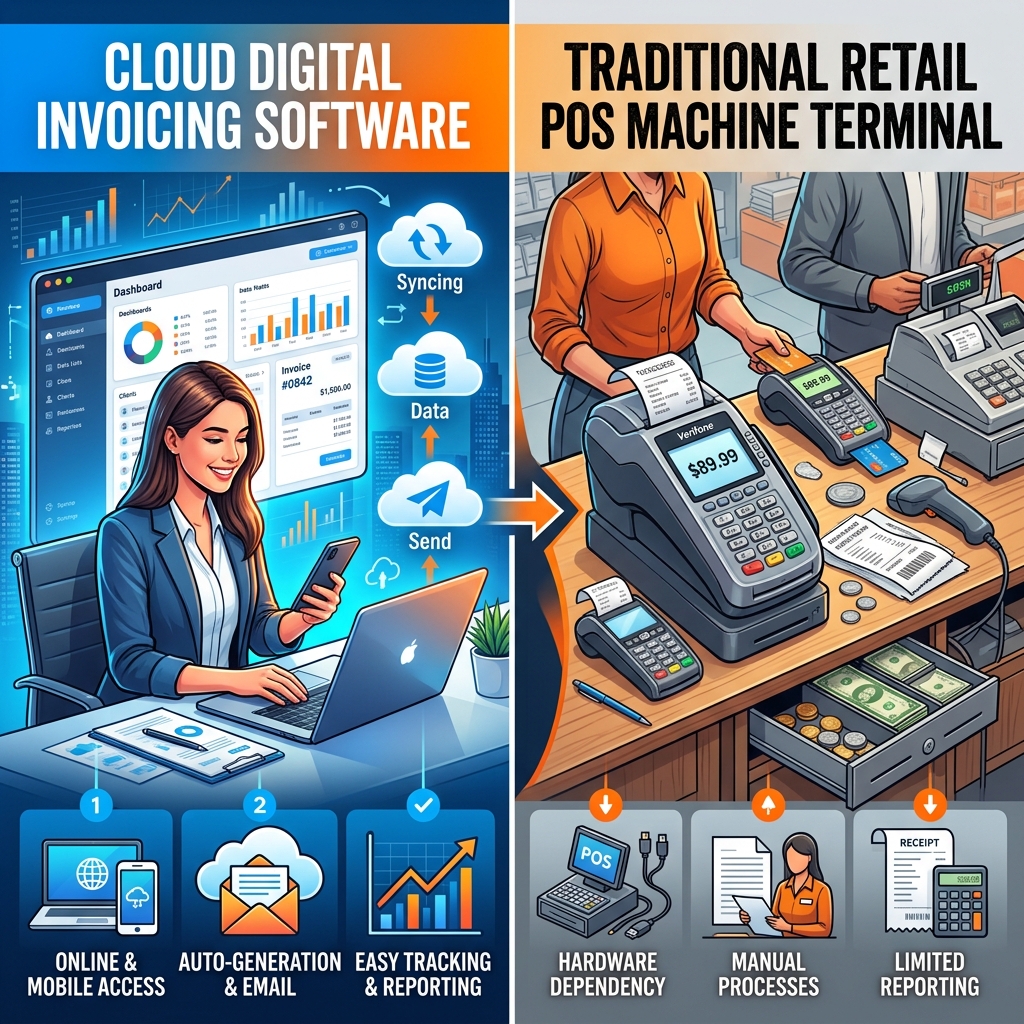
Confused about FBR compliance? We break down exactly what a digital invoice is, how it differs from a standard POS system, and why cloud sol…