
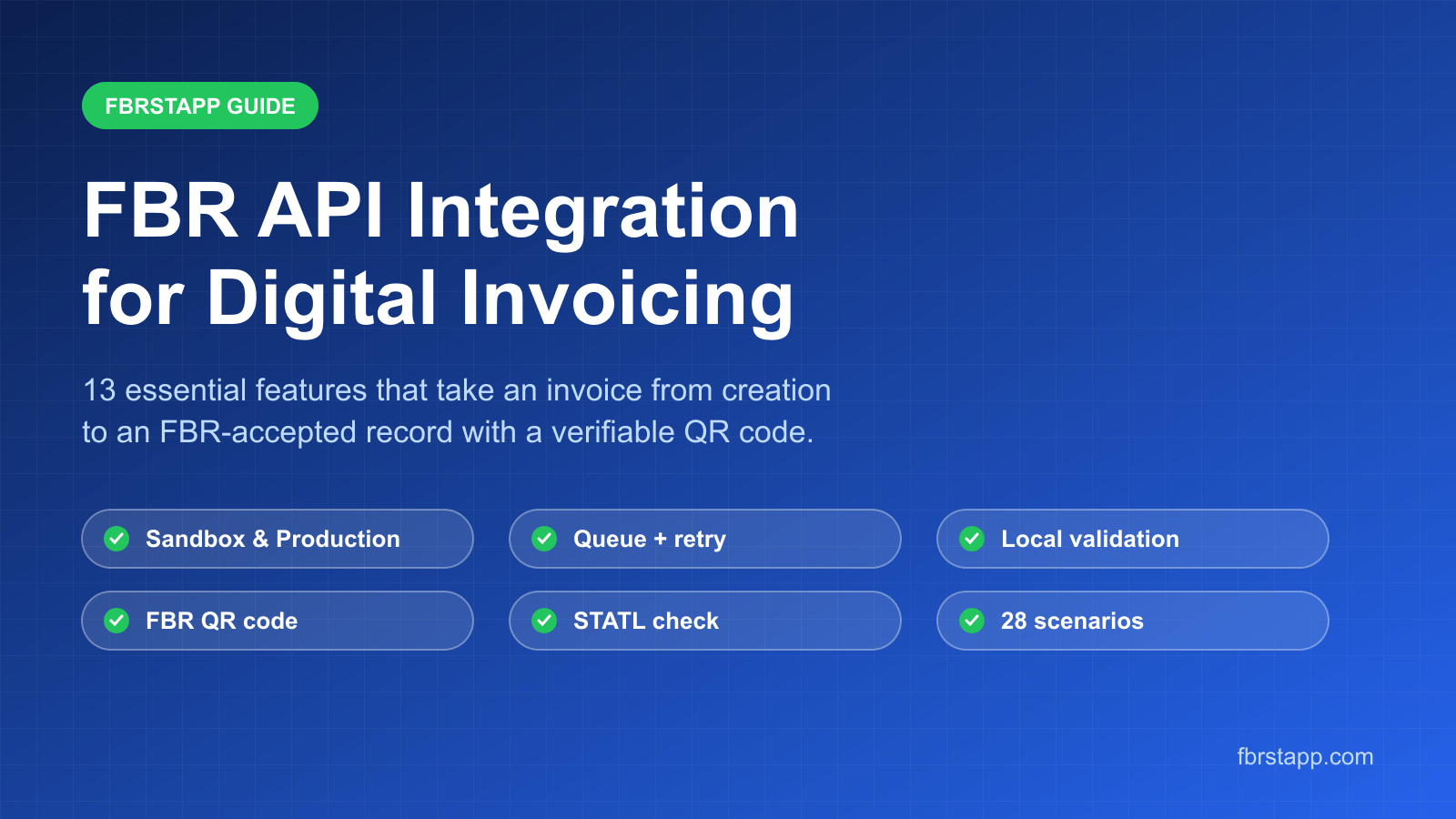
The Ultimate Guide to FBR API Integration: 13 Essential Features for Seamless Digital Invoicing in Pakistan
How FBRSTAPP integrates with the FBR Digital Invoicing API: 13 features including sandbox and production environments, local validation, que…
PRAL (Pakistan Revenue Automation Private Limited) is the technology company that builds and runs FBR's systems, including the Digital Invoicing API that every sales tax invoice must pass through. A PRAL FBR integration connects your invoicing to that API so each invoice is validated, recorded by FBR and returned with an FBR invoice number and QR code. Businesses can build this connection themselves, ask their ERP vendor for a module, or use ready software. This page explains what PRAL integration involves step by step: tokens from IRIS, the sandbox, the 28 FBR test scenarios, static IP whitelisting, reference data and error handling. It also shows how FBRSTAPP gives you a working PRAL integration through a web application, so you can submit FBR digital invoices without hiring developers or buying a static IP. The free Trial plan includes 10 FBR digital invoices every month.
Start Free: 10 Invoices a Month
FBRSTAPP is a Pakistani cloud application that integrates directly with the FBR/PRAL Digital Invoicing API. It validates and posts invoices in both sandbox and production, uses the FBR reference APIs for HS codes, units, rates and SROs, walks you through the FBR sandbox scenarios, and stores the FBR invoice number and QR code for every accepted invoice. Production calls run through FBRSTAPP's own whitelisted infrastructure, so you do not need a static IP or your own developers. Some ERP and POS vendors also offer PRAL modules, and larger companies sometimes build their own integration.
FBR sets the rules for digital invoicing through SROs and notifications. PRAL turns those rules into the technical system: the DI API on the FBR gateway, the sandbox environment, the technical specification for invoice JSON, the validation rules and error codes, and the reference APIs for HS codes, units of measure, rates and SRO schedules.
When people say "PRAL integration" they mean a live connection between a business's invoicing software and this PRAL-run API. It is not a separate registration with PRAL: access is managed through your FBR IRIS profile, where you obtain the security tokens your software uses.
Step one is the sandbox token. A sales tax registered person requests digital invoicing access in IRIS and receives a sandbox token. Every API call made with this token goes to the PRAL sandbox, where invoices are checked but not recorded as real sales.
Step two is scenario testing. FBR assigns test scenarios based on your business activity and sector, drawn from a list of 28 scenarios such as standard rate goods, reduced rate goods under an SRO, exempt supplies, third schedule items taxed on retail price, sales to unregistered buyers with further tax, services, and debit notes. Each scenario must be submitted successfully in the sandbox.
Step three is production. Once the scenarios pass, a production token is issued. Production calls must come from an IP address that has been whitelisted for your registration, and every accepted invoice now receives a real FBR invoice number that must be printed with the FBR QR code and logo.
FBRSTAPP follows these same steps inside the app and shows which scenarios you still need. The sandbox to production guide walks through each screen.
Most rejected invoices fail because of reference data, not because of the connection. A sound PRAL integration reads these lists from the FBR reference APIs rather than hard-coding them: provinces, document types, transaction types, HS codes with their valid units of measure, sales tax rates by transaction type and date, SRO schedules and SRO item serial numbers.
Buyer checks matter too. FBR provides an active taxpayer (STATL) check and a registration type lookup, so the system can tell whether a buyer is registered and apply further tax to unregistered buyers where required. FBRSTAPP keeps these lists synchronised with FBR and uses them in the invoice form and in Excel uploads.
Building your own integration gives full control but needs a developer who understands the PRAL technical specification, a server with a whitelisted static IP, secure token storage, retry logic for gateway time-outs, and ongoing changes whenever FBR updates rates, SROs or validation rules.
An ERP or POS module makes sense if you already run that system and the vendor supports FBR digital invoicing well. Ask whether it handles all of your scenarios, prints the FBR QR code, and lets you see the raw FBR response when something is rejected.
Ready software such as FBRSTAPP is the fastest route for small and medium businesses, distributors, service providers, and accountants who manage several clients. There is nothing to install, the integration is already built and tested against the FBR scenarios, and you pay per monthly invoice volume instead of maintaining your own servers.
Every DI API response contains a status and, for rejected invoices, error codes for the invoice and for each line item. A reliable integration validates before it posts, shows these errors clearly, and never prints an FBR QR code for an invoice FBR did not accept.
Keep the full request and response for every invoice. Auditors, buyers and your own team will need to see what was sent and what FBR returned. FBRSTAPP stores this history per invoice and lets you search it by customer, date or FBR invoice number.
Your PRAL security token works like a password for your NTN: anyone who has it can post invoices in your name. Store it encrypted, never in a spreadsheet or email, and limit which staff can see or change it. If you think a token has leaked, request a new one in IRIS and replace it in your software straight away.
Invoice data also contains buyer NTNs, CNICs, addresses and prices. Whatever integration you choose should use HTTPS end to end, keep access logs, and let you control which users can create, submit or only view invoices. FBRSTAPP stores tokens encrypted, uses role-based page permissions for team members, and keeps a log of each submission so you can see who sent what and when.
The FBR gateway is a shared national service and can be slow or briefly unavailable, especially near month end when many businesses submit at once. A naive integration that simply fails, or retries blindly, can leave invoices unreported or create duplicates.
A dependable PRAL integration validates first, posts once, and if the gateway times out it checks the result before trying again. Invoices that could not be sent should stay in a clear pending state rather than being printed without an FBR invoice number. FBRSTAPP validates before posting, flags gateway and time-out errors as retryable so you can resend them, and shows which invoices are accepted, rejected or not yet submitted, so nothing is issued to a buyer before FBR has accepted it.
With FBRSTAPP, you add your FBR sandbox and production tokens to your profile and the integration is ready. Create invoices in the web form, upload many invoices at once from Excel, or connect your own system to FBRSTAPP's API. Each invoice is validated against FBR, posted, and returned with the FBR invoice number, QR code and printable PDF.
No static IP is needed on your side, and the SRO Chat assistant answers questions about rates and schedules. Learn more about FBR digital invoicing in Pakistan, or start on the free Trial plan with 10 FBR digital invoices every month and compare paid plans when your volume grows.
Your software sends each invoice as JSON to the FBR/PRAL DI API with your security token. The validate call checks it, the post call records it, and FBR returns an FBR invoice number that is printed with the FBR QR code. You test first in the sandbox, then switch to your production token.
No. FBR is the tax authority that sets the rules. PRAL (Pakistan Revenue Automation Private Limited) is the company that builds and runs FBR's IT systems, including the Digital Invoicing API.
Tokens are issued through your FBR IRIS profile once digital invoicing access is enabled. The production token is issued after your sandbox scenarios are completed.
FBR defines 28 scenarios. You only need the ones assigned to your business activity and sector, and FBRSTAPP shows which ones apply to you.
Yes. You can upload invoices from Excel exports or send them to FBRSTAPP's API, and FBRSTAPP handles the PRAL submission, QR code and record keeping.
Do not print or send the invoice yet. Keep it unsubmitted and post it again when the gateway responds; an invoice is only valid once FBR returns an FBR invoice number for it.
Create your FBRSTAPP account, add your FBR sandbox token and submit your first test invoice in minutes. The free Trial plan includes 10 FBR digital invoices every month, with no static IP or installation needed.
How FBRSTAPP integrates with the FBR Digital Invoicing API: 13 features including sandbox and production environments, local validation, que…

Tanat provides a seamless white-label solution that lets businesses integrate powerful tools directly into their website. Offer services to …
Plain answers to the most common FBR digital invoicing questions: what it is, what PRAL does, how to verify an invoice, what the QR code hol…