
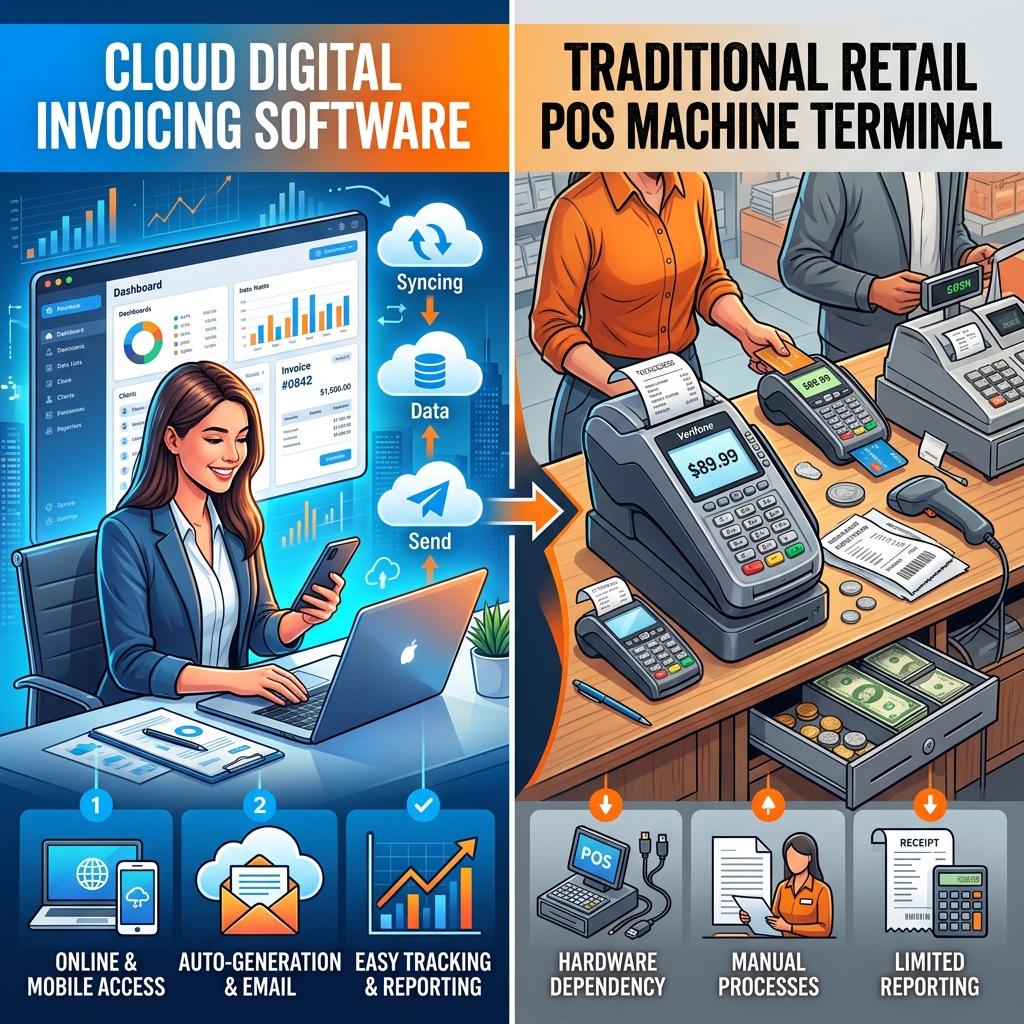
Everything You Need to Know About FBR Digital Invoicing vs. POS
Confused about FBR compliance? We break down exactly what a digital invoice is, how it differs from a standard POS system, and why cloud sol…
Every invoice accepted by FBR's Digital Invoicing system receives a unique FBR invoice number, often called the IRN, and must carry an FBR QR code and the FBR Digital Invoicing logo when it is printed or shared. The FBR invoice QR code and IRN are what let a buyer, an auditor or an FBR officer confirm that the invoice really was reported to FBR. This page explains what the IRN is, what the QR code contains, how to print them correctly, why they sometimes fail to verify, and how FBRSTAPP adds them to every accepted invoice automatically. FBRSTAPP's free Trial plan includes 10 FBR digital invoices every month.
Start Free: 10 Invoices a Month
The FBR invoice number (IRN) is only issued when an invoice is posted to the FBR/PRAL Digital Invoicing API and accepted. Your software must then print that number, an FBR QR code generated from it, and the FBR Digital Invoicing logo on the invoice. FBRSTAPP does this automatically: after FBR accepts the invoice it stores the FBR invoice number and adds the QR code and logo to the invoice PDF.
The FBR invoice number is the reference FBR returns in the response to a successful post to the DI API. It is different from your own invoice number: your number is your internal sequence, while the FBR number proves that FBR recorded the invoice against your NTN and the buyer's.
The IRN is what links the invoice to the buyer's input tax claim. If an invoice has no FBR invoice number, FBR treats it as not reported, whatever it looks like on paper. Debit notes also refer to the FBR invoice number of the original invoice.
The FBR QR code is generated from the FBR invoice number and printed next to it. When it is scanned, it gives the FBR invoice reference so the invoice can be matched to the FBR record. A buyer can compare the result with the seller, date and total printed on the invoice.
FBR also requires the FBR Digital Invoicing logo on the invoice. Together, the logo, the FBR invoice number and the QR code are the visible signs that the invoice was issued through the FBR system.
Only print the QR code and IRN after FBR returns a success response. A common mistake is generating a QR code before submission or after a rejected submission, which produces an invoice that cannot be verified.
Never edit an invoice after it has been accepted. If the amount, buyer or items were wrong, issue a debit note or follow FBR's correction process so that the FBR record and the printed invoice always match. Keep the QR code large enough to scan on thermal and A4 prints, and include it on PDF copies sent by email or WhatsApp.
Invoices created in the FBR sandbox are test records and never verify as real invoices. Others fail because the submission returned a validation error that was ignored, because the QR code was printed from a draft, or because the invoice was changed after FBR accepted it.
If a buyer reports a problem, look up the invoice in your history and check the FBR response. FBRSTAPP keeps the full response for every invoice so you can confirm the FBR invoice number in seconds. For a buyer's step-by-step check, see how to verify an FBR digital invoice.
For a registered buyer, the FBR invoice number is what makes your invoice usable for their input tax claim, because FBR matches the buyer's claim to invoices it has recorded against the buyer's NTN. Buyers and their accountants increasingly refuse to pay invoices that carry no FBR invoice number or QR code, or ask for a corrected copy.
Printing the IRN and QR code correctly on every invoice, and being able to resend the PDF quickly when a buyer asks, avoids payment delays and disputes. It also gives your own auditors a direct link between each sale in your books and the FBR record.
FBRSTAPP validates each invoice before posting it to FBR, so most errors are fixed before submission. When FBR accepts the invoice, FBRSTAPP saves the FBR invoice number, the date and time and the full response, then produces a PDF with the FBR QR code, FBR logo and IRN in the correct place.
Invoices stay searchable by FBR invoice number, customer or date, and can be re-downloaded at any time. This works the same for invoices created in the web form, uploaded from Excel, or sent from your own system through FBRSTAPP's API. Learn more about FBR digital invoicing in Pakistan and PRAL integration.
No. Your invoice number is your own sequence. The FBR invoice number (IRN) is issued by FBR when it accepts the invoice and must be printed alongside yours.
Only if that invoice is posted to FBR and accepted. The QR code comes from the FBR invoice number, so an invoice that was never submitted cannot have a valid FBR QR code.
Yes. FBRSTAPP adds the FBR Digital Invoicing logo, the FBR invoice number and the QR code to the PDF of every accepted invoice.
Sandbox invoices are test submissions. They are checked by FBR but not recorded as real sales, so they never verify. Use your production token for real invoices.
Create your FBRSTAPP account, add your FBR sandbox token and submit your first test invoice in minutes. The free Trial plan includes 10 FBR digital invoices every month, with no static IP or installation needed.
Confused about FBR compliance? We break down exactly what a digital invoice is, how it differs from a standard POS system, and why cloud sol…
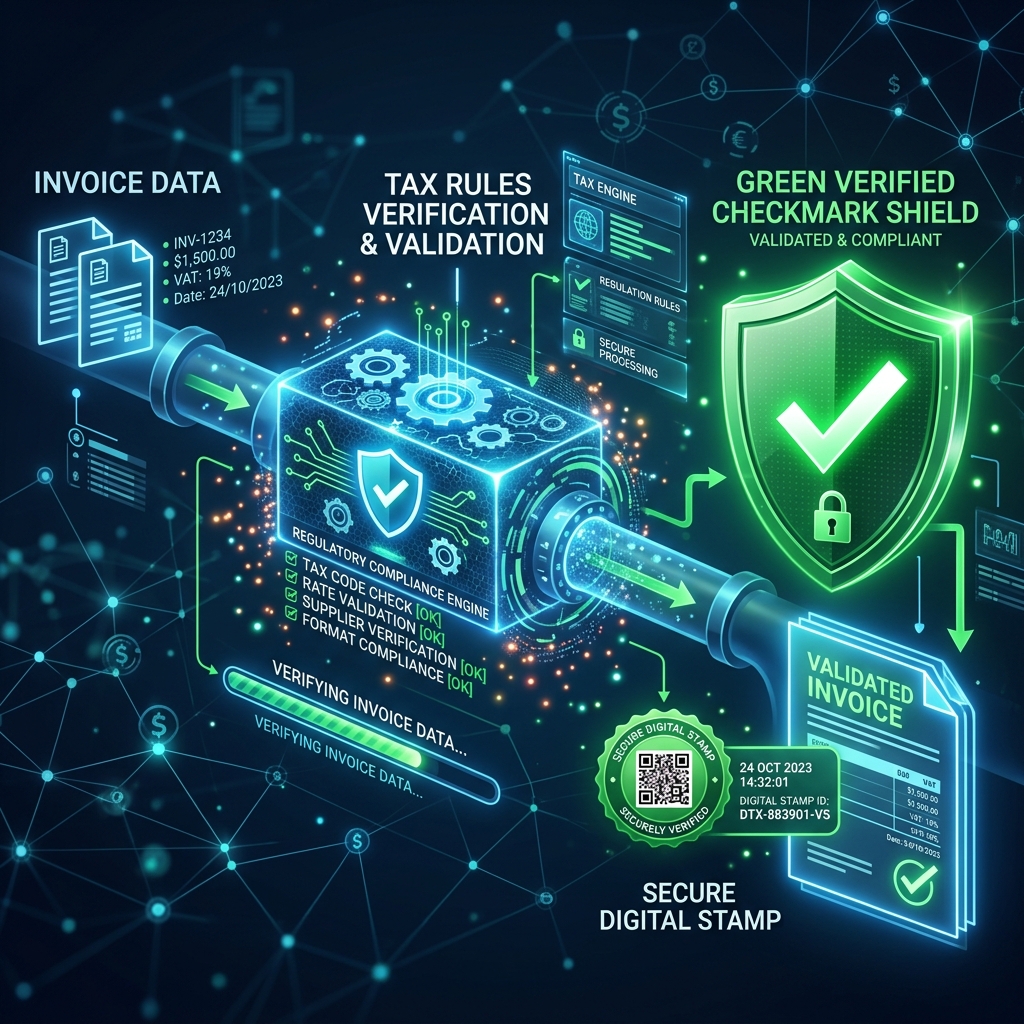
A simple 2026 guide for Pakistani businesses on FBR digital invoicing rules (in force since 1 April 2025), the difference between e-invoices…
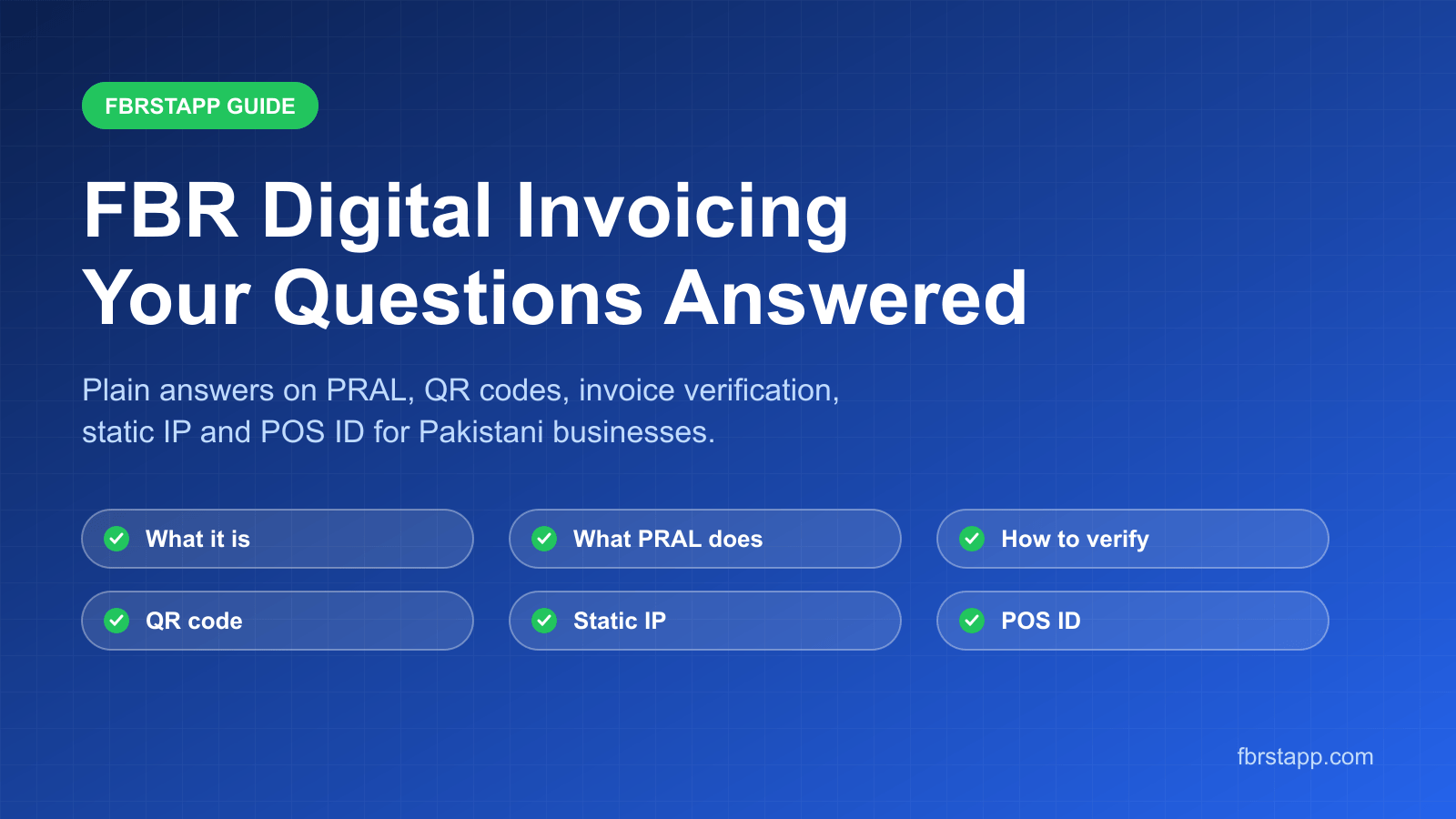
Plain answers to the most common FBR digital invoicing questions: what it is, what PRAL does, how to verify an invoice, what the QR code hol…