
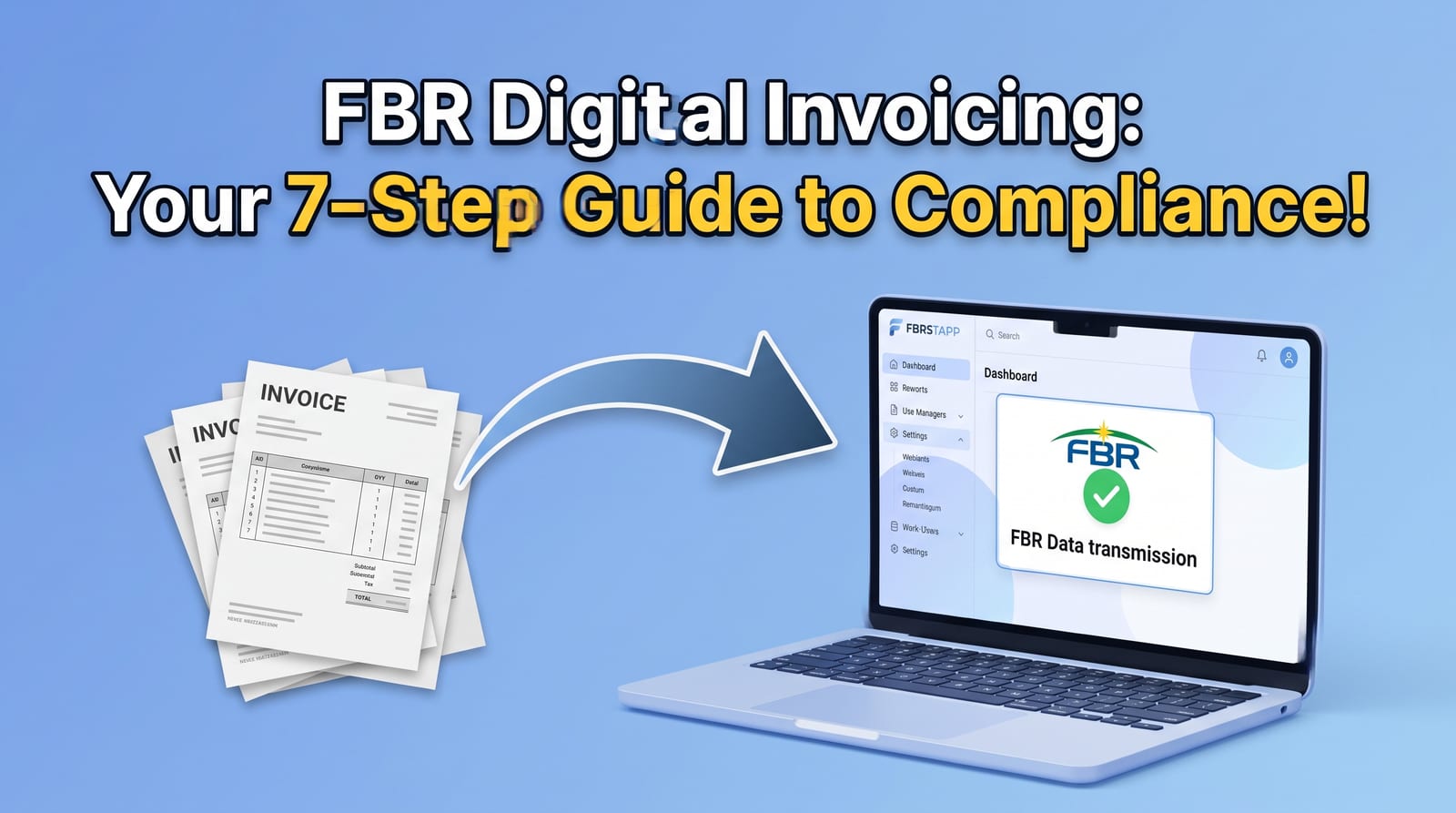
How to Get Started with FBRSTAPP: From Sandbox to Production in 7 Simple Steps
A step-by-step guide to setting up FBRSTAPP: log in, get your FBR sandbox API key, match your business categories, complete all invoice scen…
FBR digital invoicing in Pakistan means every sales tax invoice a registered business issues is sent to the Federal Board of Revenue in a fixed digital format, checked by FBR in real time, and given an FBR invoice number and QR code before it reaches the buyer. The system is run for FBR by PRAL and is reached through the FBR Digital Invoicing (DI) API. For most businesses the hard part is not the law itself but the plumbing: preparing clean invoice data, getting sandbox and production tokens, passing the FBR test scenarios, handling static IP whitelisting, and fixing validation errors. This page explains how FBR digital invoicing works, who has to comply, what a compliant invoice must contain, and how FBRSTAPP lets a Pakistani business go live without writing its own integration. You can start on the free Trial plan with 10 FBR digital invoices every month.
Start Free: 10 Invoices a Month
The best FBR digital invoicing software is one that submits directly to the FBR/PRAL DI API, returns the FBR invoice number and QR code on every accepted invoice, passes the FBR sandbox scenarios, and does not force you to buy a static IP. FBRSTAPP is a cloud-based Pakistani application built for exactly this: it validates and posts invoices to FBR in sandbox and production, prints the FBR QR code and logo automatically, supports Excel bulk upload, and includes the SRO Chat AI assistant. It runs in the browser with no installation, and the free Trial plan includes 10 FBR digital invoices every month.
FBR digital invoicing is the real-time reporting of sales tax invoices to FBR. Instead of issuing a paper or PDF invoice and declaring it later in a monthly return, the seller sends the invoice data to FBR at the moment of sale. FBR validates the data, records it against both the seller and the buyer, and returns a unique FBR invoice number. The seller then prints that number and an FBR QR code on the invoice given to the customer.
Because FBR sees every invoice as it is issued, the buyer's input tax claim and the seller's output tax are matched automatically. This is why FBR treats an invoice that was never submitted, or was rejected, as a non-compliant invoice even if it looks correct on paper.
Digital invoicing applies to sales tax registered persons. FBR has rolled it out in phases through SROs, starting with corporate and larger taxpayers and widening to other registered businesses, and it has extended the go-live dates more than once. Because the dates and categories are set by notification, check the latest SRO before you plan your switch. Our complete guide to FBR digital invoicing SROs and deadlines and the FBR digital invoicing guide for 2026 are kept current.
In practice the businesses that need a working solution today are manufacturers, importers, wholesalers, distributors and service providers that issue sales tax invoices to other registered businesses, and the accountants and tax consultants who manage invoicing for them. Tier-1 retailers who already report through the FBR POS system follow a separate retail route.
The DI API is a web service on the FBR gateway. A business, or the software it uses, sends each invoice as structured JSON with a security token issued through the FBR IRIS portal. There are two main calls: validate, which checks the invoice and returns any errors without recording it, and post, which records the invoice and returns the FBR invoice number. Every call exists in a sandbox version for testing and a production version for real invoices.
FBR also publishes reference APIs that a compliant system must use: provinces, document types, HS codes with their allowed units of measure, sales tax rates, SRO schedules and SRO item serial numbers, transaction types, and the active taxpayer (STATL) and registration type checks for buyers. A good system pulls these lists from FBR instead of letting users type free text, because most rejections come from a wrong HS code, unit, rate or SRO reference.
Before production access is granted, a business must pass the FBR sandbox scenarios that apply to its business activity and sector. FBR defines 28 scenarios, covering standard rate sales, reduced rate and exempt goods, third schedule retail price items, further tax for unregistered buyers, debit notes and more. Production calls must then come from an IP address that FBR has whitelisted.
A digital invoice accepted by FBR carries the seller's NTN or CNIC, business name, province and address; the buyer's NTN or CNIC, name, registration type, province and address; the invoice type (sale invoice or debit note), invoice date and the seller's own invoice reference.
Each line item needs an HS code, product description, unit of measure valid for that HS code, quantity, value excluding sales tax, the sales tax rate and amount, and where they apply the further tax, extra tax, federal excise duty, discount and the SRO schedule number and item serial that justify a reduced or exempt rate. A debit note must also reference the original FBR invoice number.
After FBR accepts the invoice, the printed or PDF copy must show the FBR invoice number, the FBR QR code and the FBR Digital Invoicing logo. See FBR invoice QR code and IRN for what the QR code contains and how buyers verify it.
The first problem is access. Getting sandbox and production tokens from IRIS, whitelisting a static IP, and keeping the integration running are technical tasks that small and medium businesses rarely have staff for. Buying a static IP and a server only for FBR is a real cost.
The second problem is data quality. FBR rejects invoices with a mismatched HS code and unit, a rate that does not match the selected SRO item, a buyer NTN that is not active, totals that do not add up, or a sale type that does not match the scenario. Each rejection returns an error code that has to be understood and fixed before the invoice can be issued.
The third problem is volume and record keeping. Businesses that issue hundreds of invoices a month need bulk upload, retries when the FBR gateway is slow, and a searchable history of every request and response for audits and buyer queries.
FBRSTAPP is a cloud-based FBR digital invoicing application made in Pakistan. You add your business profile and FBR tokens once, then create invoices in a web form or upload them from Excel. FBRSTAPP fills HS codes, units, rates and SRO references from the FBR reference APIs, validates each invoice against FBR before posting, and shows FBR error messages in plain language so they can be fixed quickly.
When FBR accepts an invoice, FBRSTAPP stores the FBR invoice number and full response, adds the FBR QR code and logo to the invoice PDF, and keeps it in your invoice history with customer and product records. Sandbox mode walks you through the FBR scenarios for your business activity, and production submissions go through FBRSTAPP's own infrastructure so you do not need to buy a static IP. Read how this works in PRAL digital invoicing integration.
For questions about rates, schedules or SROs, the built-in SRO Chat AI assistant answers in simple language. Accountants and tax consultants can manage client invoicing through an FBRSTAPP master account.
Register a free account, enter your NTN and business details, and add your FBR sandbox token. Run the sandbox scenarios FBRSTAPP lists for your business activity, then add your production token and start issuing real invoices. The free Trial plan includes 10 FBR digital invoices every month; compare paid plans for higher volumes on the FBRSTAPP pricing page.
Yes, for the categories of sales tax registered persons notified by FBR. FBR has phased the requirement in through SROs and has moved the dates more than once, so check the latest notification for your category.
Not in practice. Invoices must be sent to the FBR DI API in a fixed JSON format with a security token, so you need either your own integration or ready software such as FBRSTAPP.
FBR only accepts production calls from whitelisted IP addresses. With FBRSTAPP, production submissions go through FBRSTAPP's infrastructure, so you do not need to buy your own static IP.
FBR returns an error code and message and the invoice gets no FBR invoice number. FBRSTAPP shows the error in plain language so you can correct the HS code, rate, buyer or totals and submit again.
FBR sets the go-live date for each category of sales tax registered person by SRO and has extended these dates more than once. Check the latest FBR notification for your category; our guides on FBR digital invoicing deadlines are updated when FBR changes them.
An invoice that is not reported to FBR has no FBR invoice number, so FBR treats it as non-compliant and the buyer may not be able to rely on it for input tax. Penalties are applied under the Sales Tax Act, 1990 and depend on the provision used, so confirm your exposure with your tax adviser.
Most businesses can register, add their sandbox token and start the FBR scenarios on the same day. Moving to production depends on FBR approving your scenarios and issuing your production token.
Create your FBRSTAPP account, add your FBR sandbox token and submit your first test invoice in minutes. The free Trial plan includes 10 FBR digital invoices every month, with no static IP or installation needed.
A step-by-step guide to setting up FBRSTAPP: log in, get your FBR sandbox API key, match your business categories, complete all invoice scen…
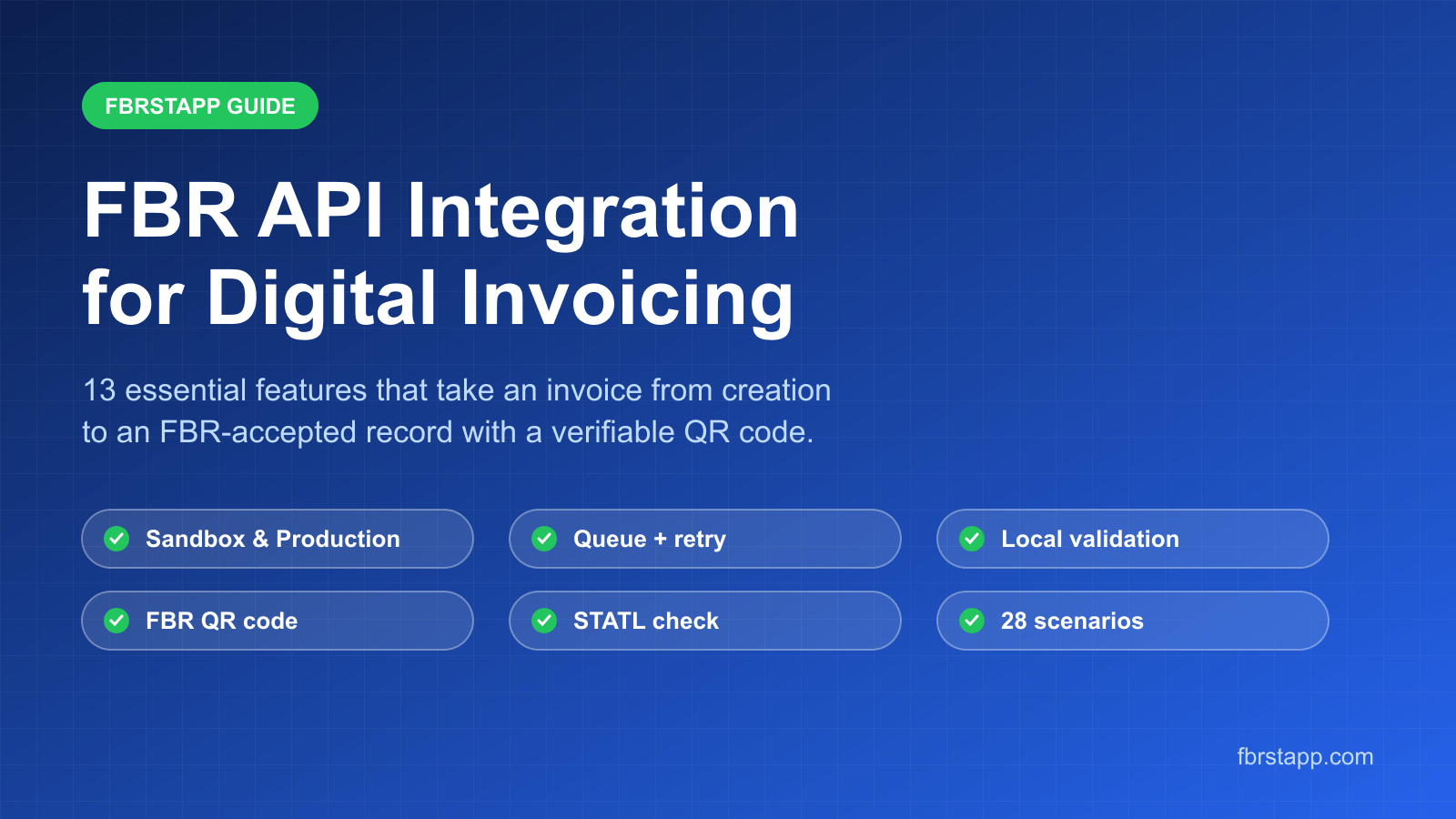
How FBRSTAPP integrates with the FBR Digital Invoicing API: 13 features including sandbox and production environments, local validation, que…
Plain answers to the most common FBR digital invoicing questions: what it is, what PRAL does, how to verify an invoice, what the QR code hol…