These are the questions Pakistani business owners search for most when they start with FBR digital invoicing: what it is, what PRAL does, how to verify an invoice, what is inside the QR code, whether a static IP is needed, and how a POS ID works. Each answer below is short and states clearly what we could confirm from FBR's own documents and what depends on your integrator.
In short: digital invoicing means each sales tax invoice is sent to FBR electronically when the sale happens, and FBR answers with its own invoice number. PRAL is FBR's technology company and the main integrator. Every invoice must carry the FBR logo and a QR code. A static IP is not part of the API's security, which relies on a token. A POS ID belongs to the separate POS scheme for Tier-1 retailers.
What is digital invoicing in FBR?
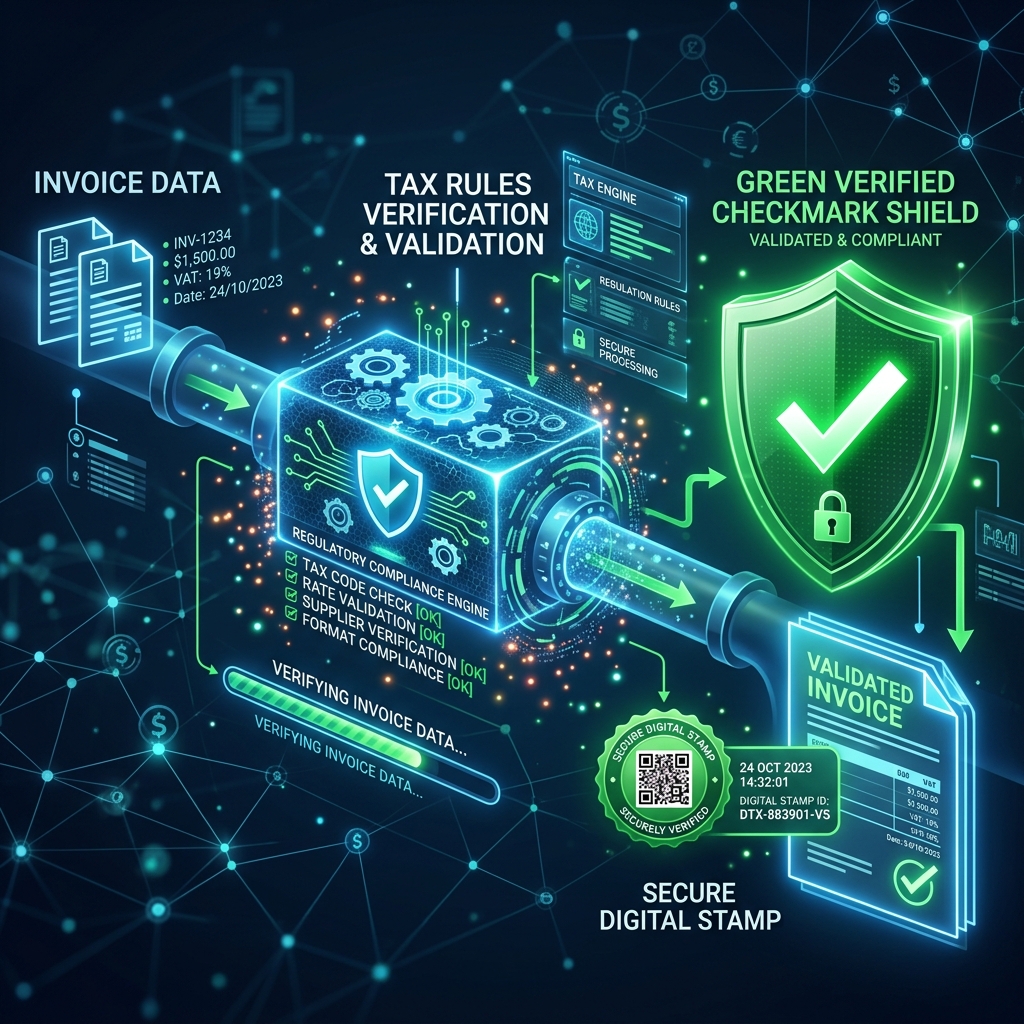
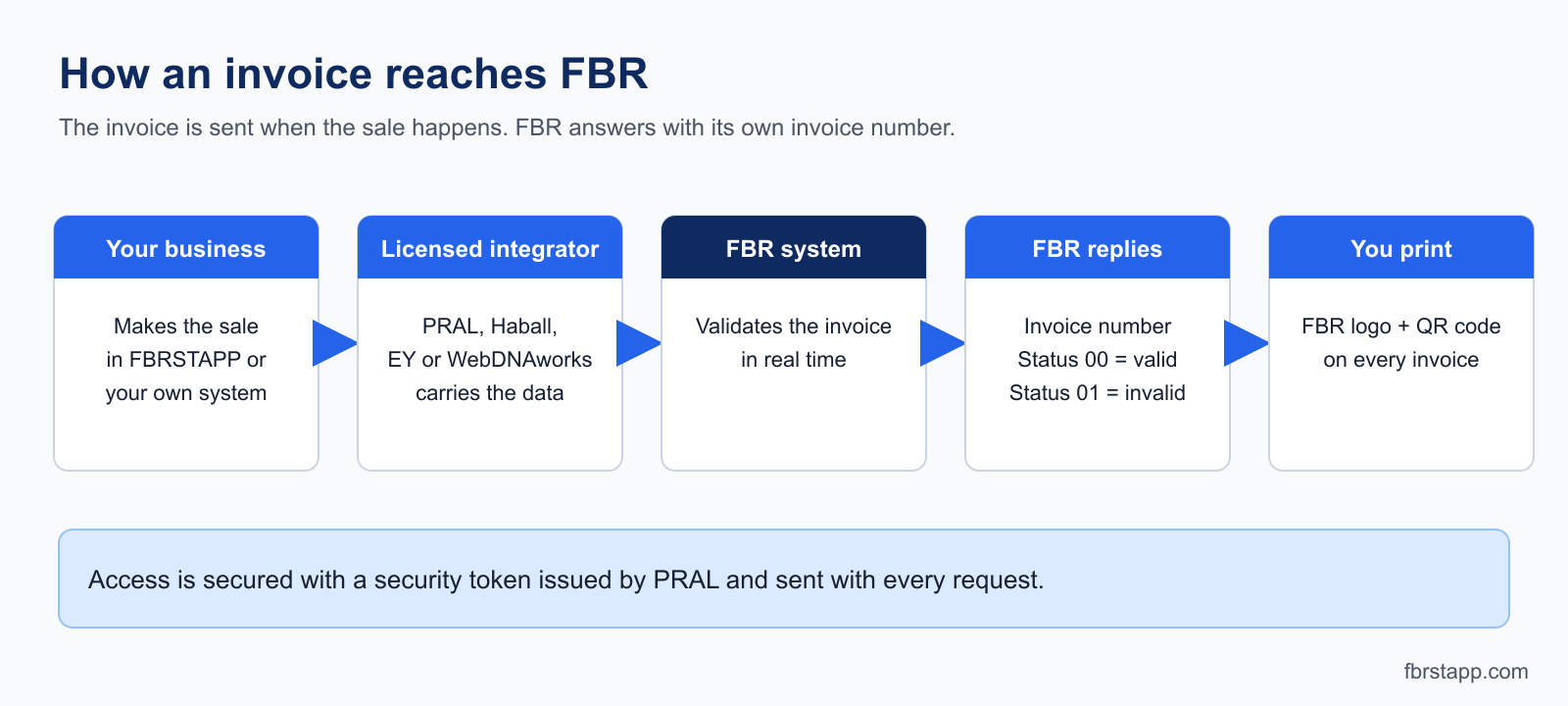
FBR digital invoicing is a system where a sales tax registered seller sends every invoice to FBR in real time through a web API. FBR checks the invoice, rejects it with an error code if something is wrong, or accepts it and returns an invoice number issued by the FBR system. The response carries a status code: 00 means valid and 01 means invalid.
FBR explained the procedure in Sales Tax Circular No. 1 of 2025, under SRO 69(I)/2025 dated 29 January 2025, as reported by Dawn. Which categories of taxpayers must comply is set by FBR notification and has been rolled out in stages, so check the latest notification for your business. If you are unsure whether it applies to you, ask your tax advisor.
New to this? Our FBR digital invoicing guide for Pakistan covers who needs it, and the sandbox-to-production setup guide walks through the steps in order.
What is PRAL in FBR digital invoicing?
PRAL is Pakistan Revenue Automation Limited, the technology company that builds and runs FBR's systems. In digital invoicing it plays two roles:
- It hosts the API. FBR's technical specification says the web API resides on the PRAL Enterprise Service Platform and requires a security token, issued by PRAL, in the header of each request. The specification gives the token a validity of 5 years.
- It is a licensed integrator. Businesses must connect through an integrator approved by FBR. Reports of the April 2025 notification list PRAL (offering integration free of charge), Haball, EY and WebDNAworks. You pick one on the FBR digital invoicing portal.
Software such as FBRSTAPP does not replace this step. It is the invoicing application that prepares and sends your invoices once your FBR credentials are in place. See PRAL digital invoicing integration for how the pieces fit.
How to verify an FBR digital invoice
Check these in order:
- Look for the three required marks. The FBR Digital Invoicing logo, the FBR invoice number and the QR code must be printed on each invoice.
- Scan the QR code with your phone and compare what it shows with the paper or PDF: seller, date and amount.
- Match the details. Seller and buyer NTN or registration number, invoice date, tax and total must agree with the invoice.
- Check the record with FBR. FBR states that each approved invoice, with its QR code and unique number, is accessible to both supplier and buyer through its digital portal. The exact screens can change, so ask the issuer or their integrator if you cannot find it.
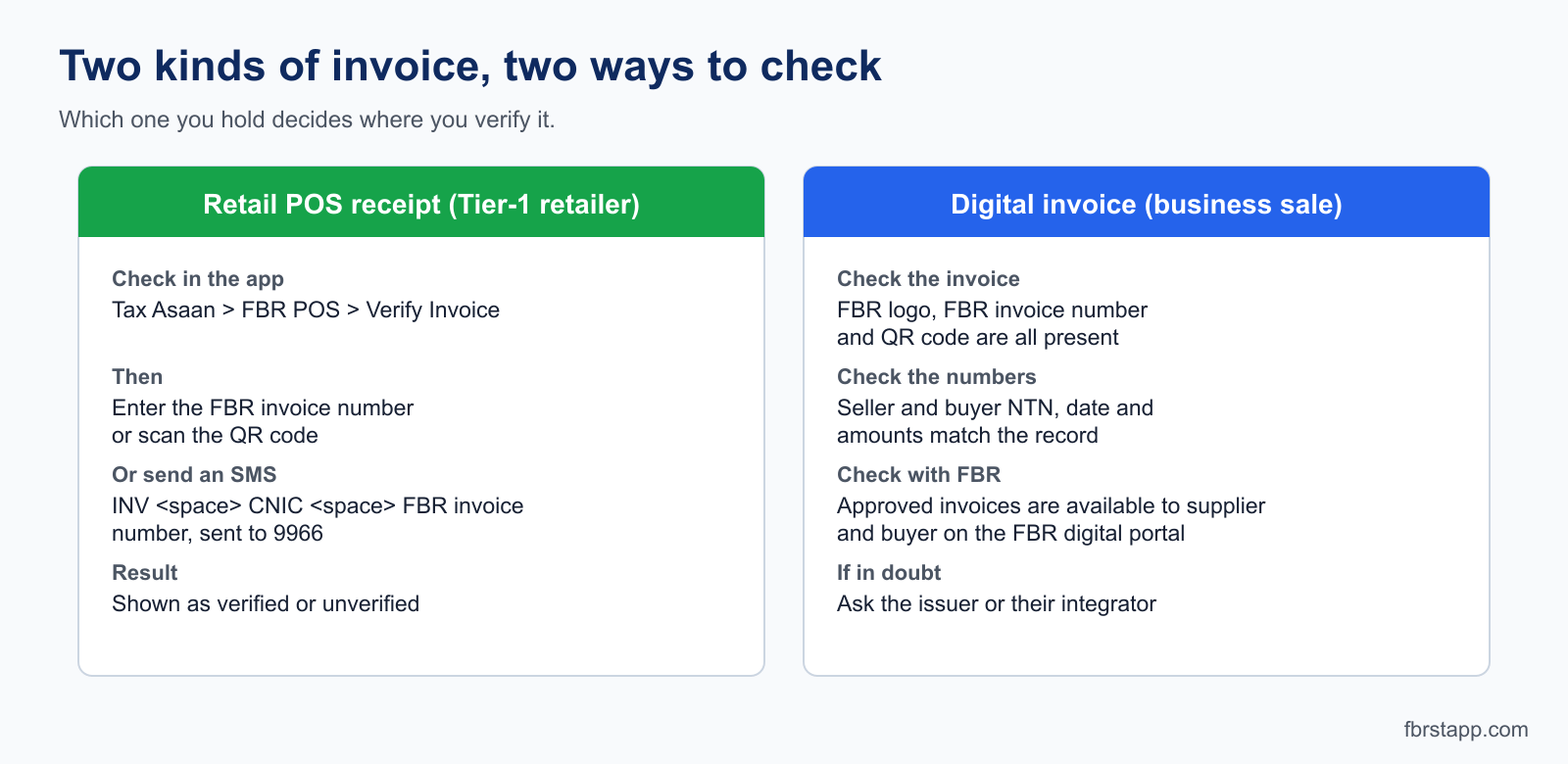
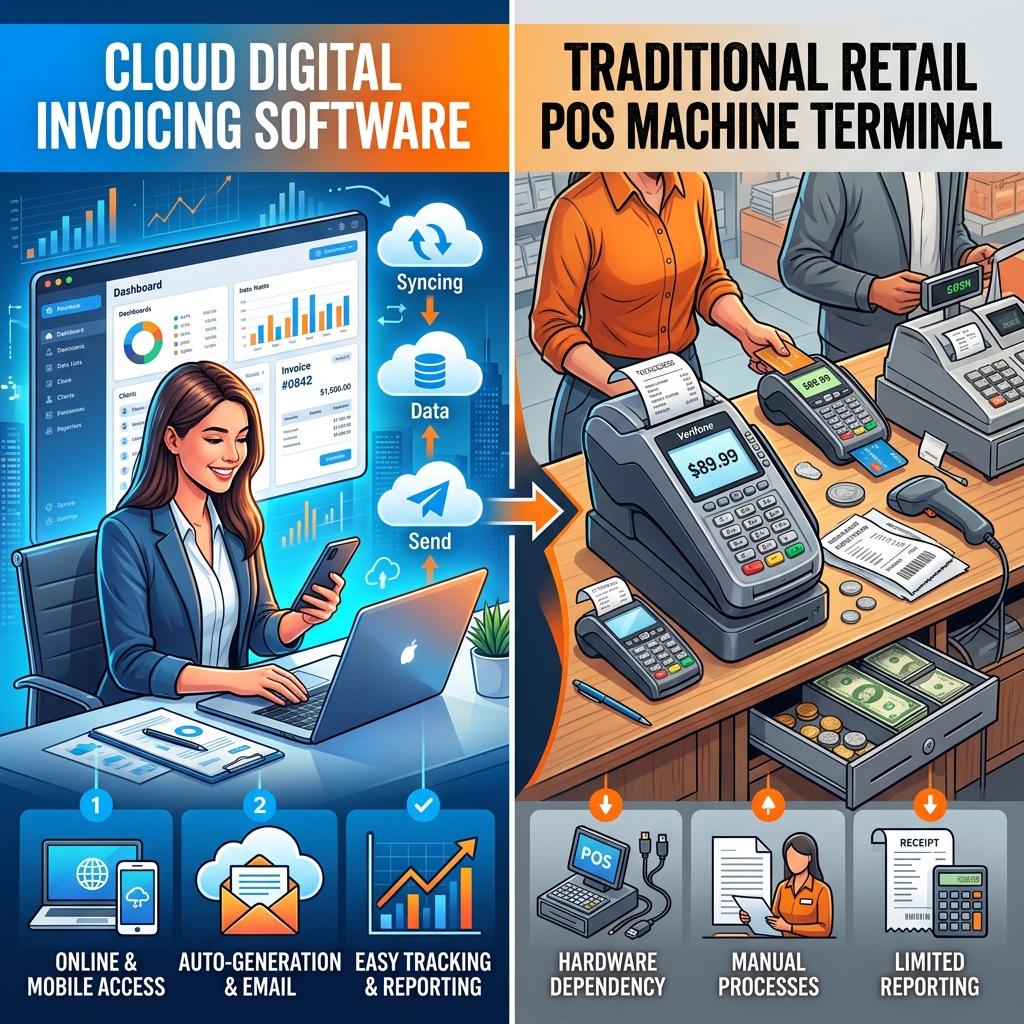
If you hold a retail POS receipt from a Tier-1 retailer, FBR's official POS verification page describes two routes: in the Tax Asaan app open the FBR POS menu, choose Verify Invoice and enter the FBR invoice number or scan the QR code, or send an SMS in the form INV, a space, your CNIC, a space, the FBR invoice number to 9966. The app reports the invoice as verified or unverified.
An invoice created in the FBR sandbox, or one that FBR returned with status 01 (invalid), is not a valid record. Our step-by-step verification guide has more detail, including common reasons an invoice fails to verify.
What is in the QR code on an FBR invoice?
FBR's specification requires the Digital Invoicing System logo and a QR code on every invoice, with a QR Code Version 2.0 (25 x 25) printed at 1.0 x 1.0 inch. The document sets the size and format but does not list the data fields.
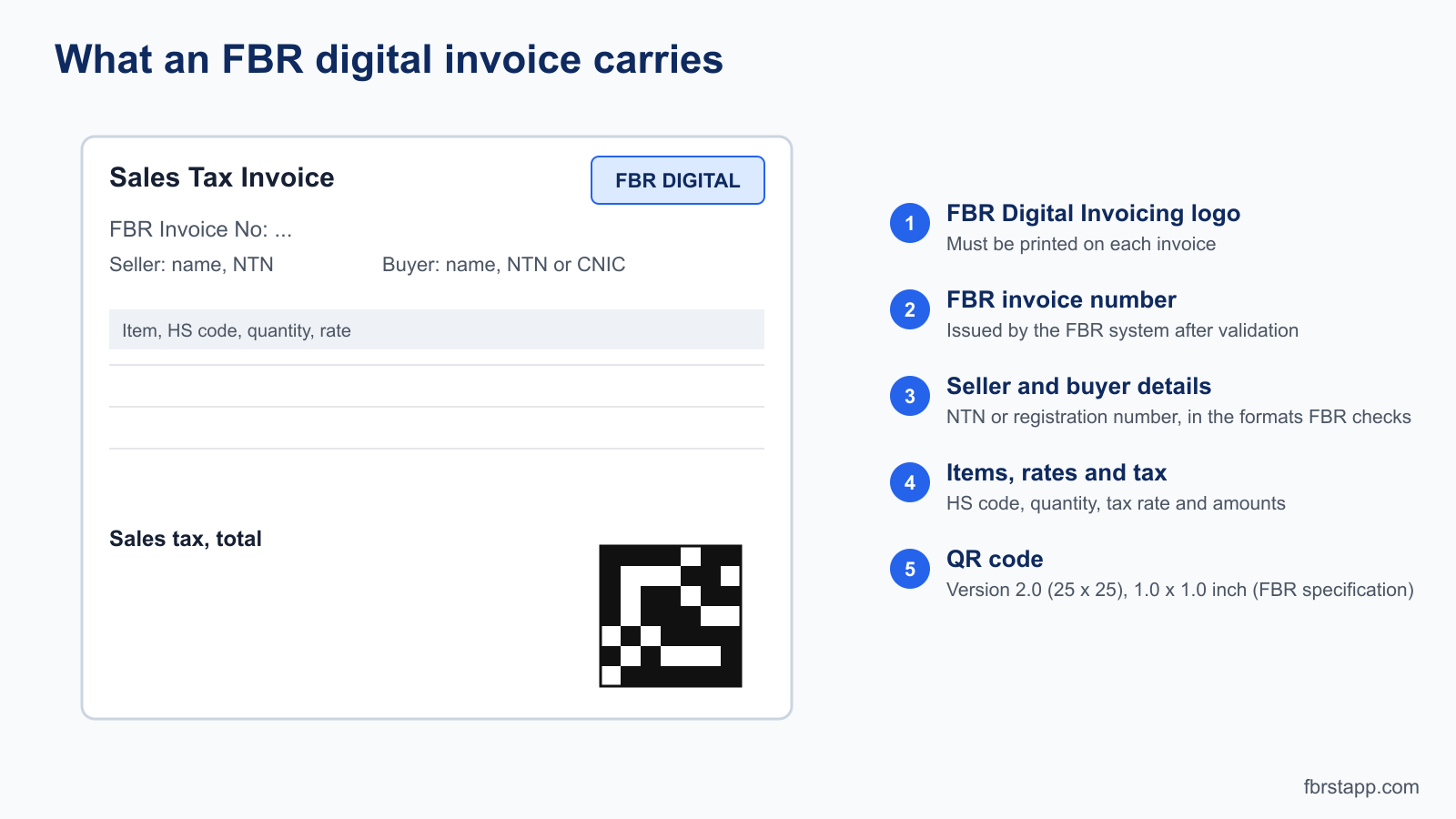
In FBRSTAPP the QR code holds the FBR invoice number together with key invoice details: invoice date, seller and buyer information, the total, the sales tax and a verification hash. It is created only after FBR accepts the invoice, because the FBR invoice number does not exist before that. Details differ between software, so use the code to find the invoice number and then check that number with FBR. See QR code and IRN explained.
Do I need a static IP for FBR digital invoicing?
FBR's API specification describes access control by security token, not by IP address. It does not state that a static IP is required. In practice it depends on how your software connects:
- If invoices are sent from your own office computer, some integrators or setups register that machine's IP address. If your internet provider changes your IP, submissions can fail, and a static IP from the provider costs a monthly fee.
- If a cloud service sends the invoice from its own servers, as FBRSTAPP does, your office or mobile connection does not matter. You can work from any internet connection.
Ask your integrator what they require for your setup. See our FAQ for how FBRSTAPP handles this.
How to create an FBR POS ID and access code online
A POS ID belongs to FBR's older POS integration scheme for Tier-1 retailers. It is separate from the Digital Invoicing token described above. Tier-1 retailers were defined by S.R.O. 1842(I)/2023, based on the withholding tax paid under section 236H in the previous twelve months.
From the guides and news reports we reviewed, the process is online: the taxpayer registers on FBR's system, enters business details (brand name, NTN, POS software name, expected daily transactions) and contact details, then adds the POS details such as the POS identification number, type, IP address and version. FBR then registers the store and its POS terminals.
What we could not confirm: we found no official FBR page that describes an "access code" by that name. The credentials FBR or your integrator shows after registration, and the screen names, can change. Follow the prompts on the FBR portal and ask your integrator or POS vendor which credentials your terminal needs. Never share your tokens or codes in screenshots or chats.
FBRSTAPP works with the Digital Invoicing API using your FBR security token. It does not issue POS IDs.
Next steps
- Create a free account and try the sandbox with 20 free invoices.
- Ask FBR Chat any SRO or digital invoicing question.
- Read the guide to the 13 FBR API integration features.
- Need help? Contact support.
Sources
- FBR Digital Invoicing API Technical Specification, version 1.0, PRAL (2025): invoice number, status codes, security token, QR code and logo printing.
- FBR: POS invoice verification
- Dawn: FBR notifies four firms to register retailers
- ProPakistani: FBR launches digital invoicing system for sales taxpayers
FBRSTAPP is an independent software product and is not operated by FBR. This article is general information, not tax advice. Rules and portal screens change, so confirm current requirements with FBR or a registered tax advisor.